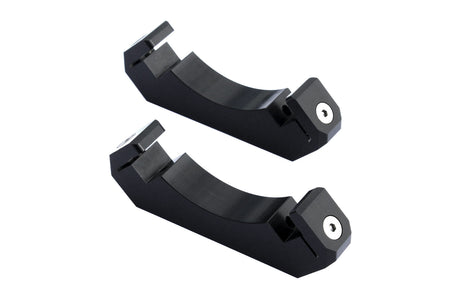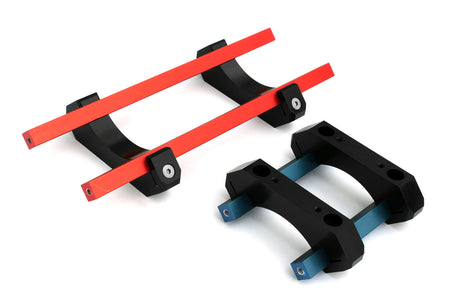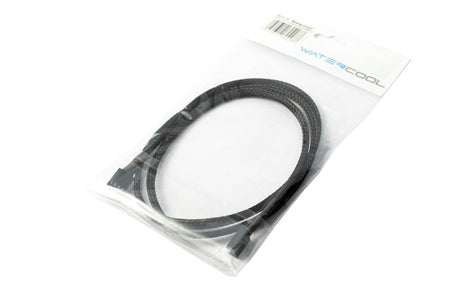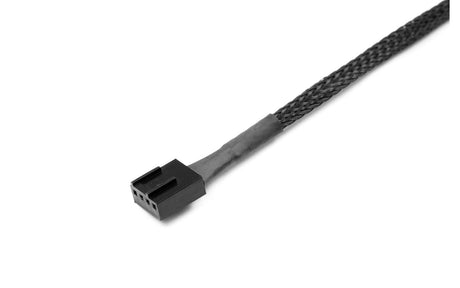
The Cooljag Everflow 120mm x 25mm 9-Blade PWM Fan mounts on standard 120mm fan holes and has an impressive 110 CFM airflow with a 40 dB noise level.
Total Reviews: 6
Average Rating: 
Slight Mounting Problem.
10-19-2011
Reviewer: Great fan! But... (1)
It should be noted that this fan is AWESOME. Pushes a lot of air and is quiet about it. BUT, the mounting holes are one solid shaft (look at the second Partially side facing picture), Mounting this on a COCAGE True Spirit was difficult. Please be aware of the fan hole config before buying it. Otherwise, GREAT FAN! 5/5. Not deducting a star for my error.
Very impressive PWM fan
12-23-2010
Reviewer: ()
I got this as an upgraded radiator fan for my Corsair H50. I was previously using a couple of lower performance fans in a push/pull configuration, and was not getting the kind of performance I wanted. I am running an AMD Phenom II X4 955BE C2 at 3.78GHz (stock is 3.2GHz) and 1.525 volts (stock 1.45). CPU temps with 100% load (Folding At Home) before were 55-57C, and now under the same conditions are 48C with fan at 100%. 100% on the fan gives about 2500RPM according to SpeedFan.
At 2500RPM, this fan definitely makes itself heard. It''s not terrible, though, and with the computer under my desk it''s not loud enough that I need to turn up my music or talk in a louder voice to carry on a conversation. At lower speeds, the noise drops off significantly while coolingi performance remains respectable. I have Speedfan configured to run this fan to maintain a CPU temperature at or below 50C, and it will typically throttle back to 0% (805RPM) when the CPU is idle and gives a temp of 46C (I have Cool N Quiet disabled, so the processor is still screaming at 3.78GHz). I can barely even hear this fan below 45% (1200RPM) and that pushes my full-speed idle temp down closer to 40C.
Though I''ve only been using it for a few hours, I think this is a superb fan that gives good quiet cooling for typical usage and when the need arises it can move enough air to cool off the hottest computers without being ridiculously loud.
Best. Fan. Ever.
12-24-2009
Reviewer: Dizzious (1)
If you have a PWM header on your motherboard, and a need for a 120mm fan, then this is the fan you want. I cannot find any fan on the market that moves as much air as this one does while maintaining this low of a noise level.
I''ve been using mine for over a year now, and it''s wonderful. Silent when the system is idling, and when I stress my machine and this fan kicks up, it''s still not any louder than my graphics card.
One of these things for a CPU fan, and a couple of Enermax Marathons for case fans, and you''ve got the perfect airflow solution.
Worth every penny.
Great Fan
07-07-2009
Reviewer: Hardwar Man (2)
Used to replace fan in Thermalright 120 Extreme. Overclocked a Core 2 Quad to 3.6 with a 1800fsb, with this fan the tempratures droped 8-9C from stock. Yes, It can get loud, when keeping you CPU cool is very critical, like linpack stress test. Other than that it''s quiet when gaming and other tasks that may stress the cpu a little.
Great fan IF....
10-10-2008
Reviewer: skypine27 (4)
...if your mobo is a modern one that fully supports the 4pin CPU fan control stuff. (My asus Rampage formula does).
On my system, when the system is idle, the fan spins at 734RPM and is dead silent. When I put a big load on the CPU (like video encoding), the fan will spool up to about 1300 RPM. Then you definitely can hear it. Under super heavy load, I got the fan to spin up to 2000RPM at which point it is definitely loud. But, it''s doing is job, ie varying the RPM automatically depending on CPU temp. Great fan.